Every pixel has
a part to play.
Combine colors, animations, and layered shows.
From the first pixel to the final show. Glowcraft gives you the control to turn the lighting in your head into something real.
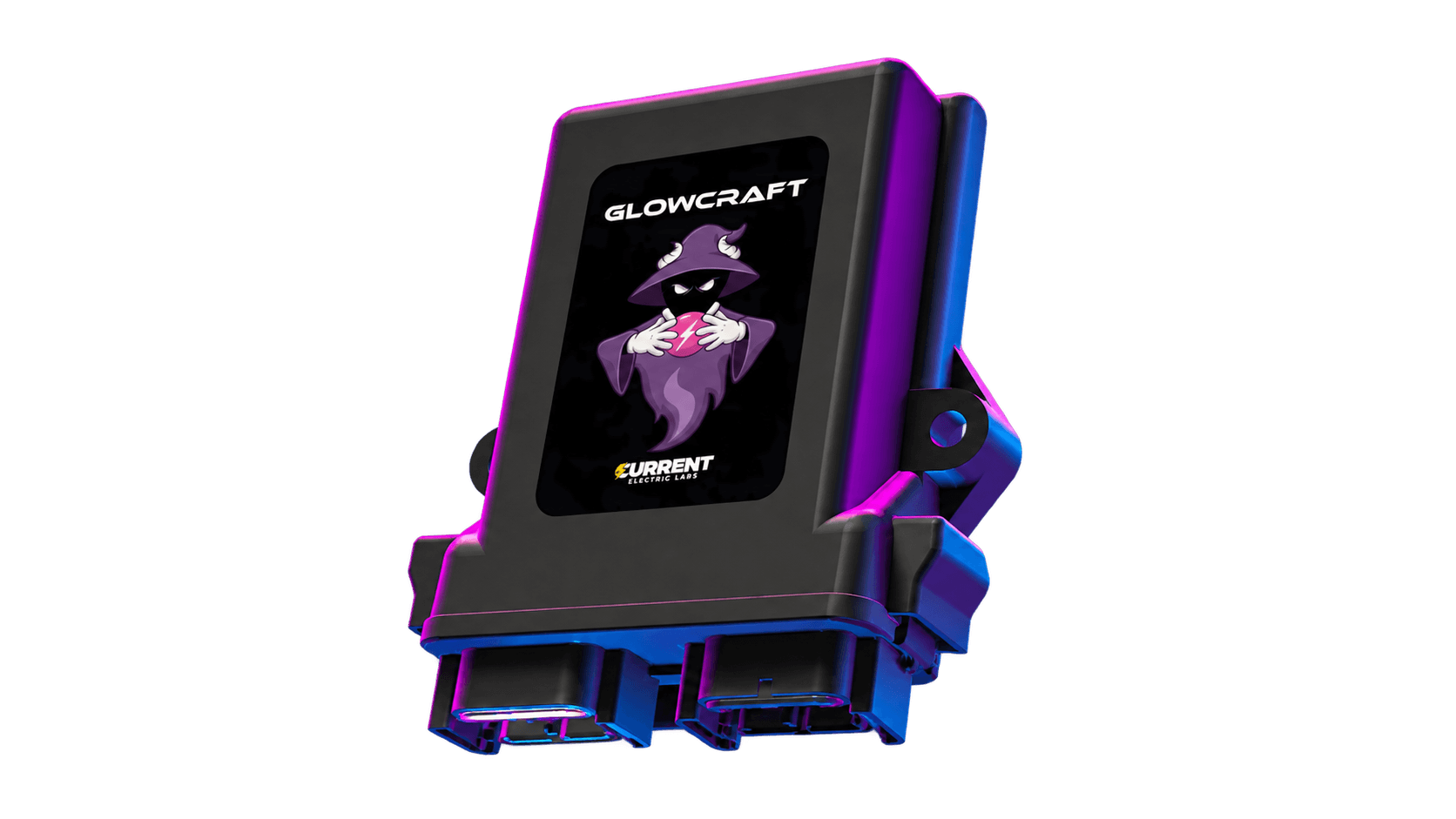
Build a subtle accent. Choreograph a whole installation. Make every pixel part of the picture.
Combine colors, animations, and layered shows.
Connect switches, physical inputs, and CAN signals to create lighting that reacts to the world around it.
Work across multiple controllers and bring the different parts of your installation together.
Layer effects, set the pace, and make every color your own. Explore the interface built into your Glowcraft controller.
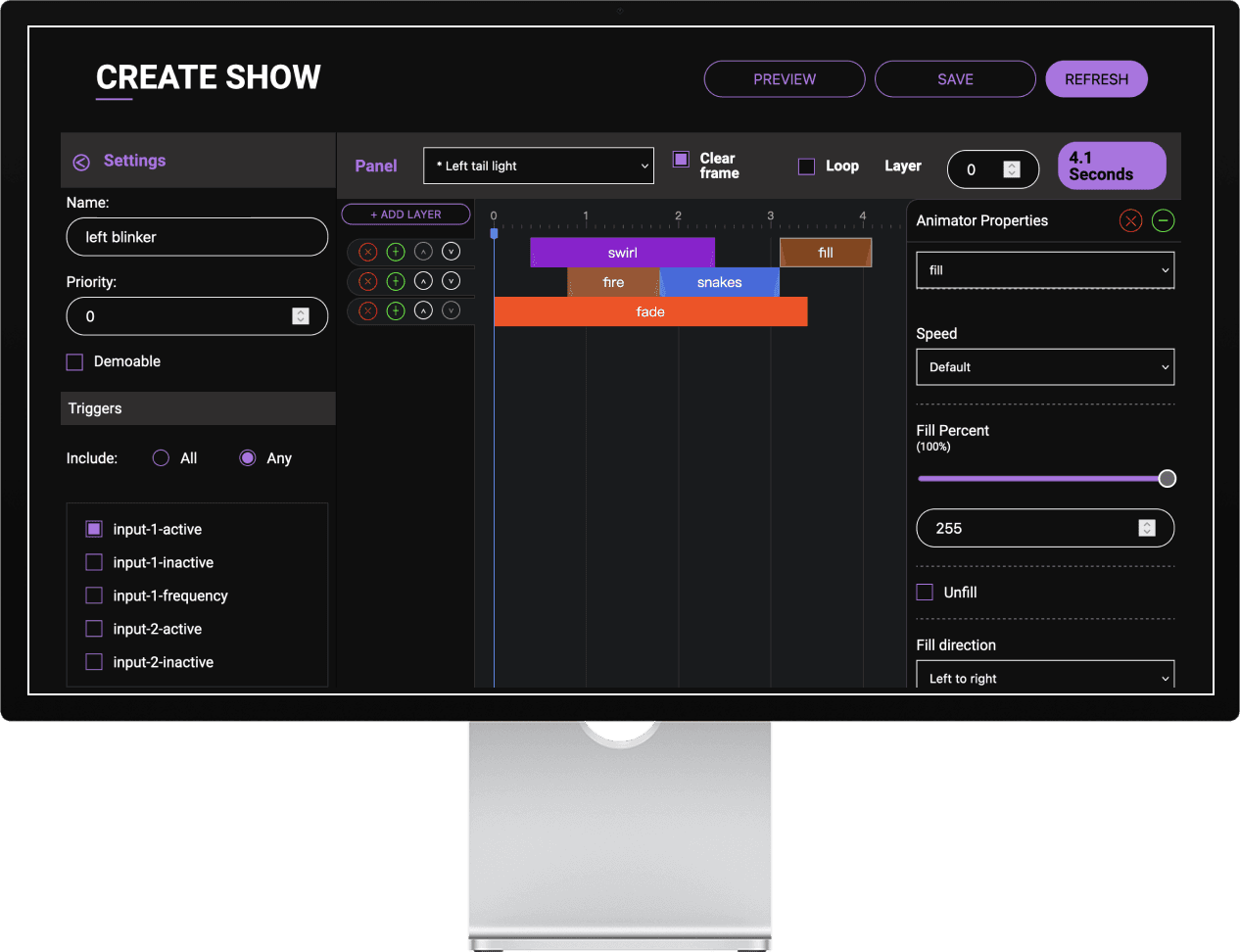
Combine animations on a timeline, adjust their speed, and choose colors and palettes that suit your build.
Add text and custom bitmaps. Use audio, physical inputs, and CAN signals to make your lighting respond.
Select a screenshot to take a closer look.
Explore the manuals →Get to know your controller, then choose the connections for your installation.
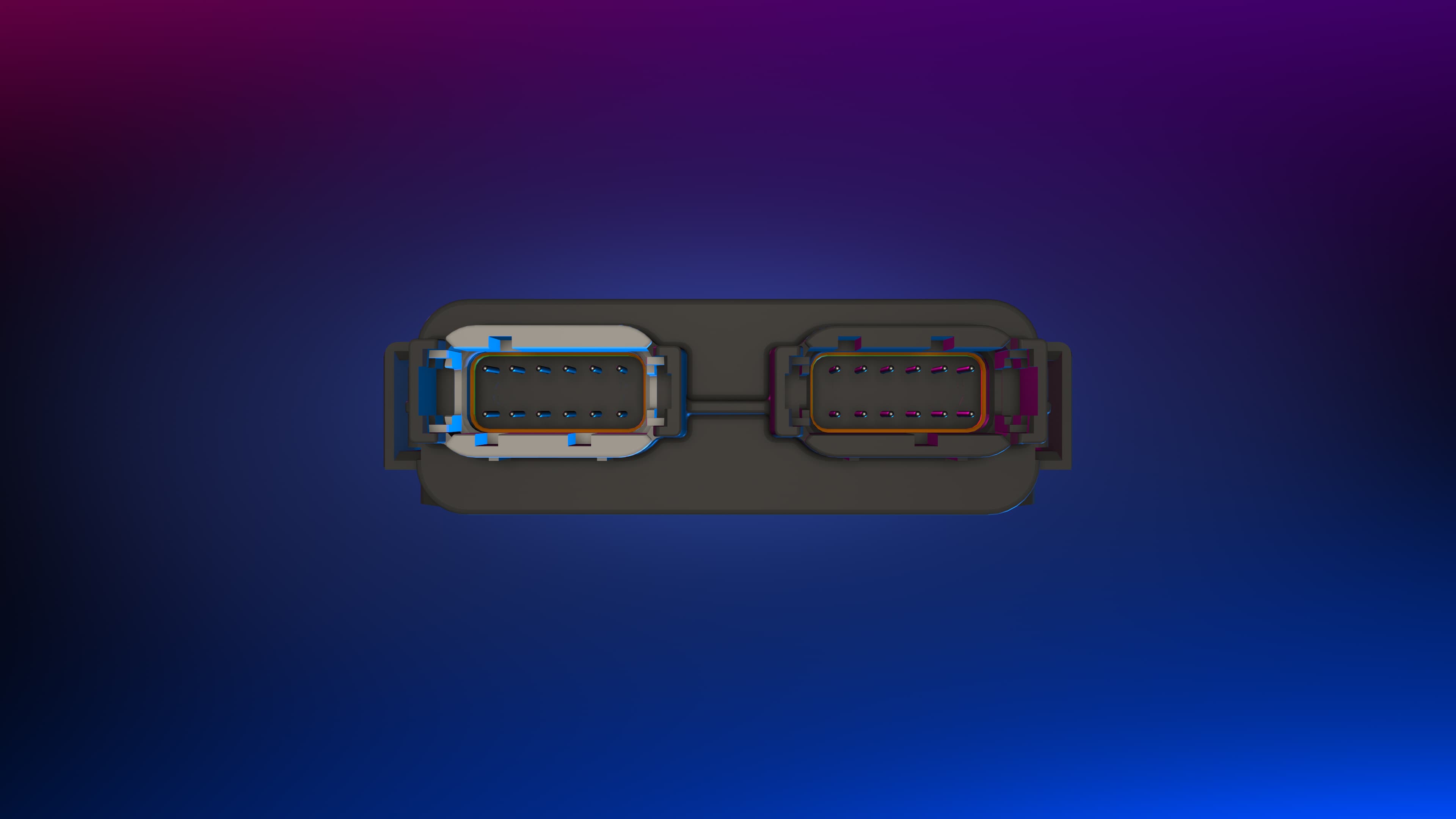
Use the hardware manual to match your power, data, and trigger connections.
See the connection guide →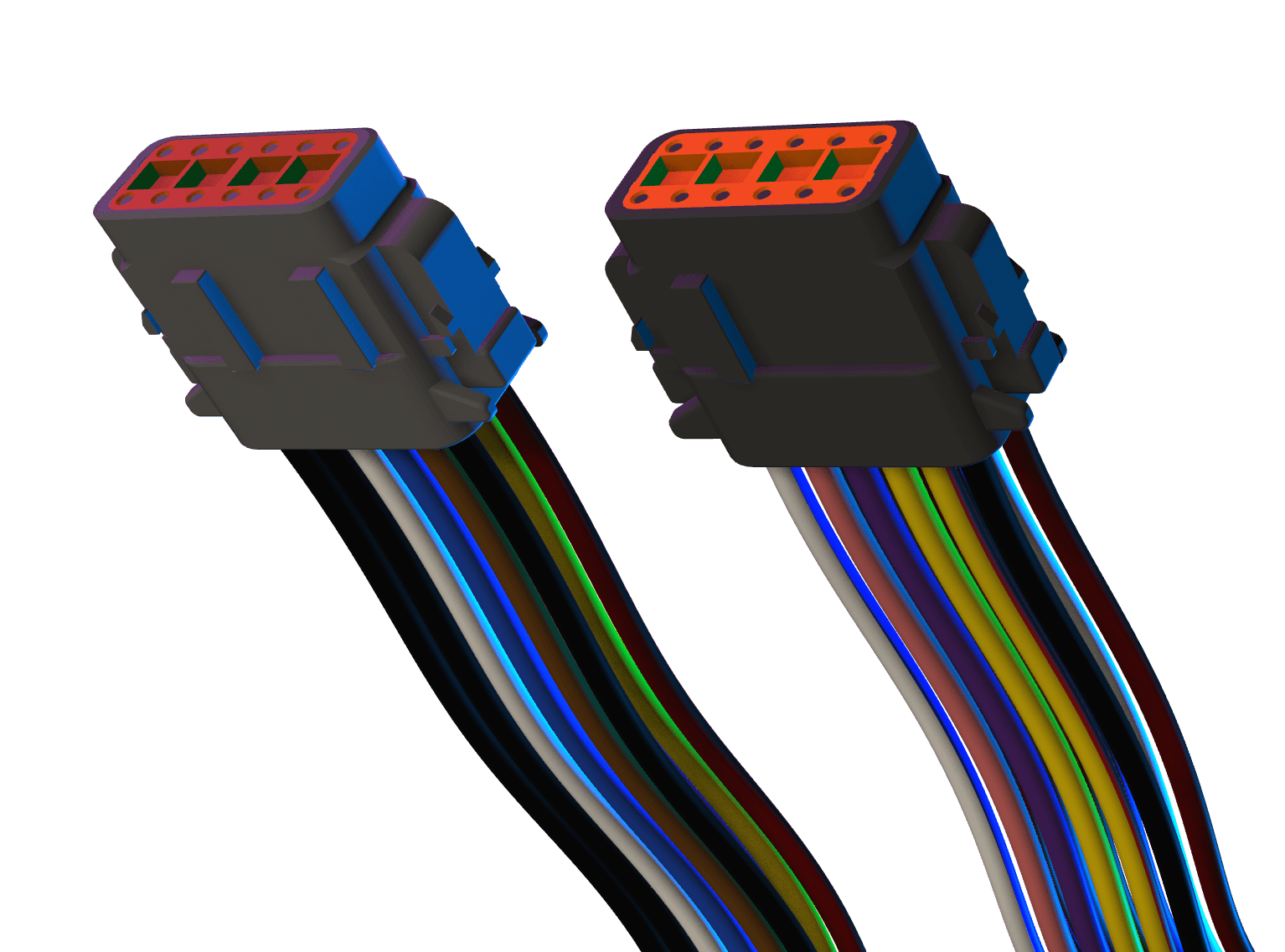
A-key and B-key cable assemblies connect your controller to the installation. Both connector types are shown here.
Shop Glowcraft →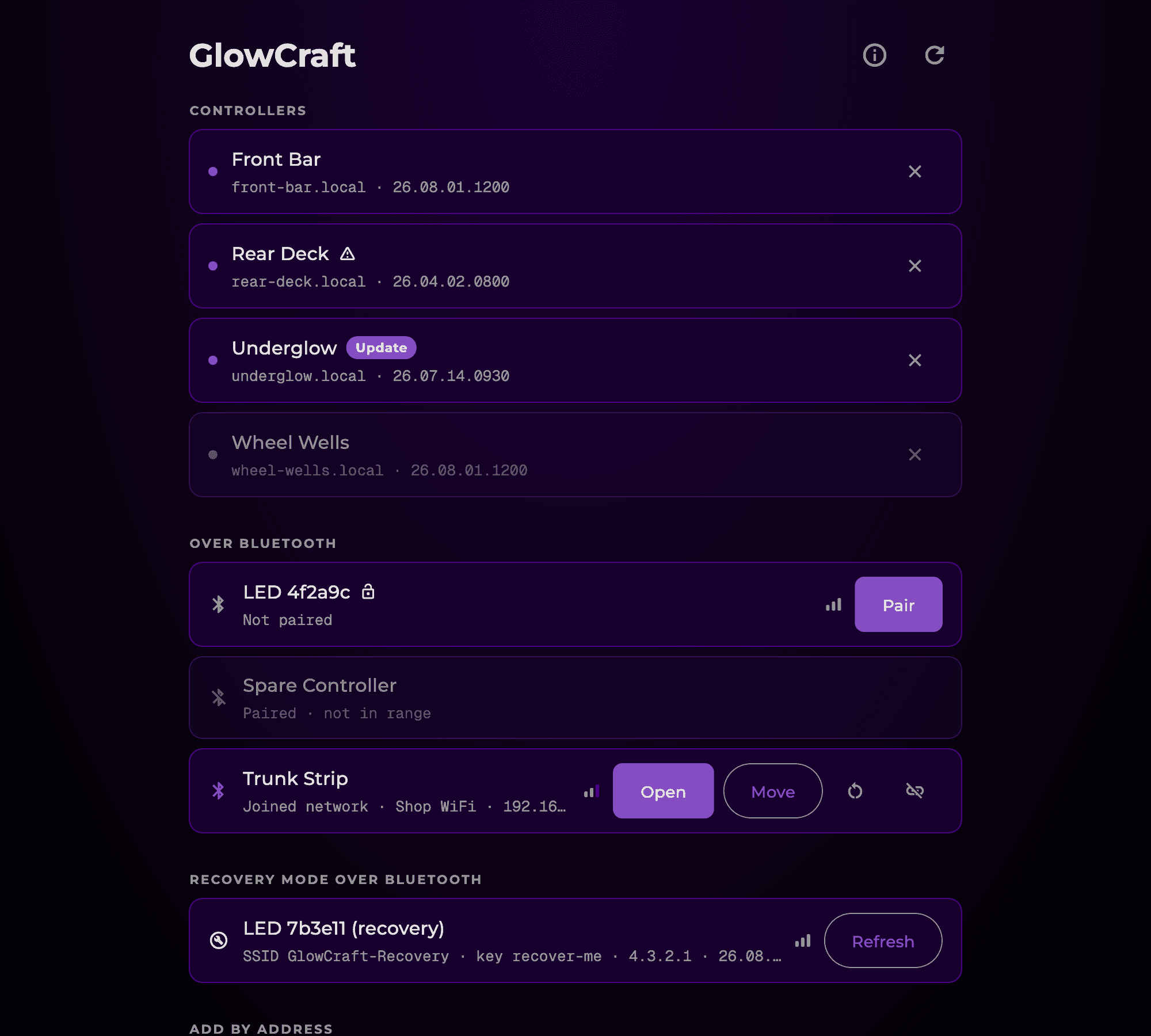
Find your controller with Glowcraft Connect. Open its built-in browser interface and start creating.
Discover nearby devices over Wi-Fi or Bluetooth.
Arrange your lights, choose your colors, and build your shows.
Play your favorites and let your lighting do the talking.
Go from an idea to a wiring plan. Work out your controller needs, explore the manuals, and build with a clearer picture.
Plan your first build →Map your fixtures and inputs, print wiring diagrams, and share a build plan with your team or customer.
Get installer support →A few details. A clearer plan. Your next Glowcraft build.